

Photos and camera traps
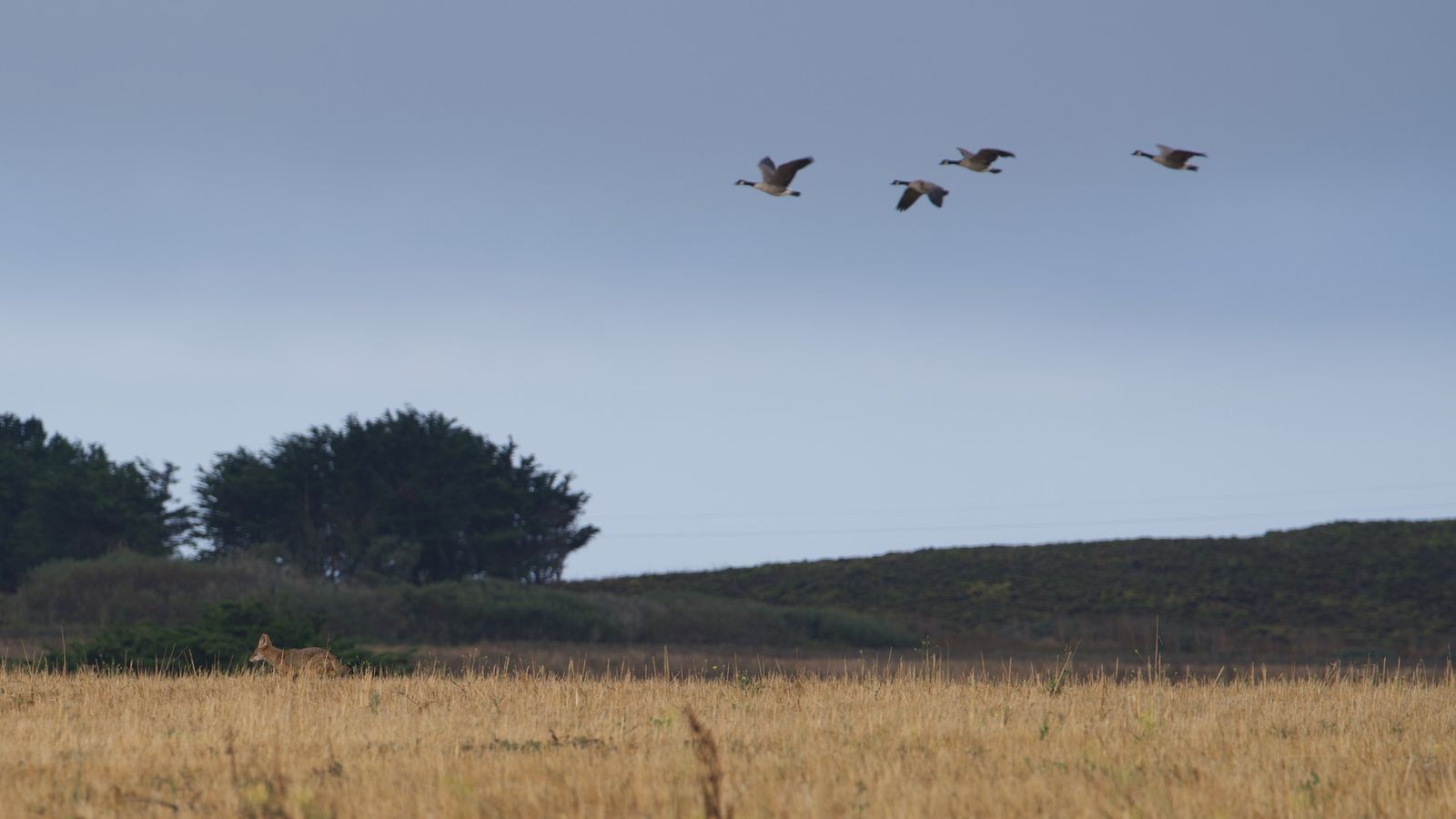
Work through single images or whole batches. Click an animal and its outline appears; add boxes or points where you need them.


FOR WILDLIFE IMAGERY
Photos, drone orthomosaics and video. Outline an animal with one click, label species, age and behavior your way, and run AniNet models across your imagery.
AniNet is opening to a few teams at a time. Tell us what you survey and we will write to you when there is room.
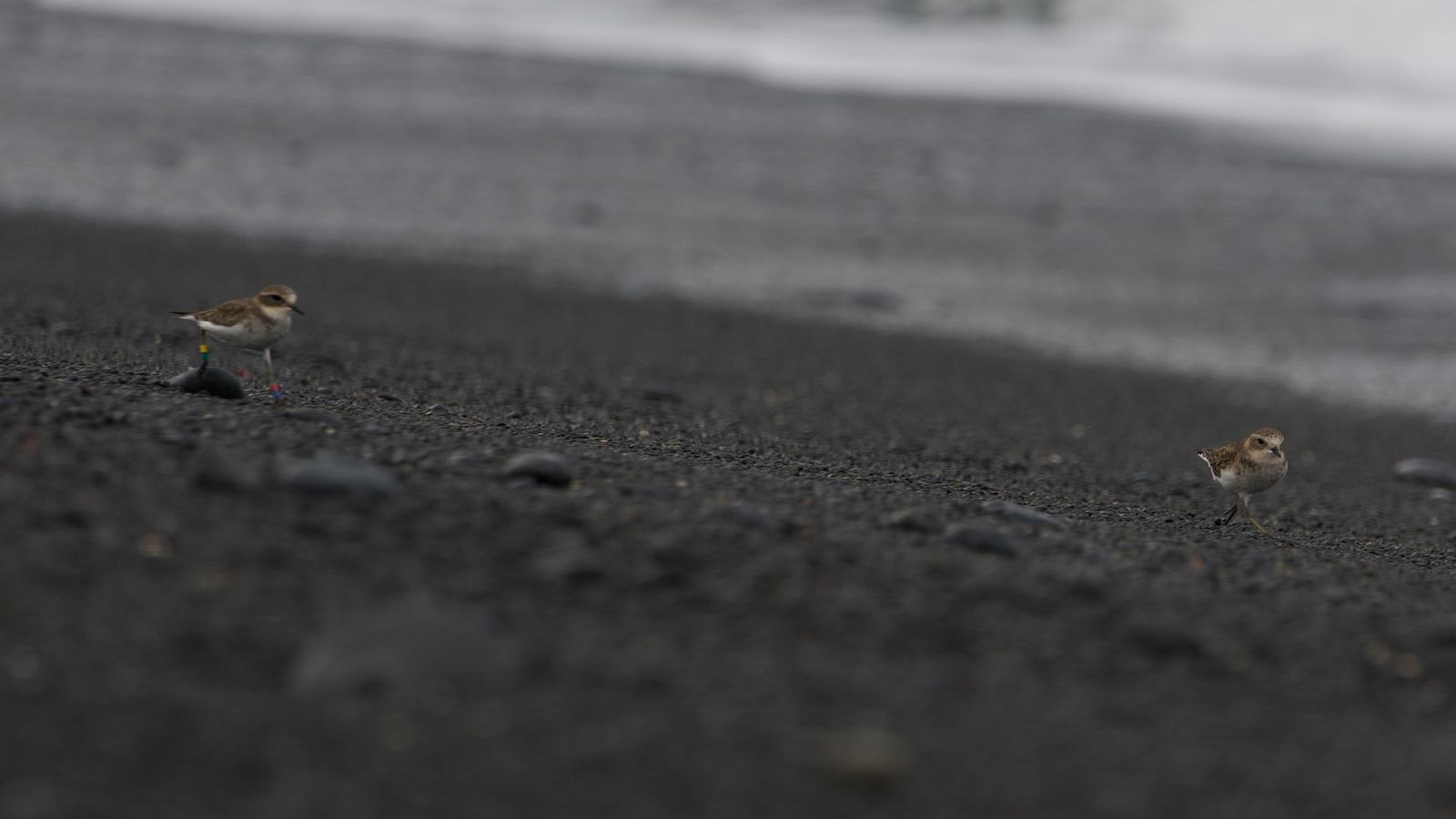


Every outline is the animal's own shape, saved with its box and label.


Work through single images or whole batches. Click an animal and its outline appears; add boxes or points where you need them.
Large maps are split into tiles that your team works through together, with overlap between annotators so nothing falls through the gaps. Imagery is organized by capture date automatically.
Follow animals from frame to frame, mark behaviors as they happen, and keep track of individuals for photo ID.
Start from a shared species library and add your own.
Start from standard sets for age class and more, add behaviors one at a time from the standard sets, and add your own.
Every annotation saves the animal's outline along with its box, ready for analysis.
Drop in photos, camera trap images, drone flights or video. Start annotating the first images while the rest are prepared in the background.
Click an animal, choose the species and add any attributes. Your team works through the imagery together.
Run AniNet models across your imagery and check what they found.
Check each other's work, see counts by species, and export your annotations for reports and analysis.
You annotate. AniNet trains a model for your project on your annotations, used only on your projects.
It fills as you annotate, so you can see when there's enough to train your model on.
AniNet retrains your model on your annotations and tests it on images it hasn't seen.
The model offers its most confident outlines and you accept or reject each one.
Once the model performs well, run it across the rest of your imagery.
See how well the model is doing for each species and roughly how many more annotations it needs.

AniNet grew out of about a decade of monitoring seabird colonies and pinniped haul-outs: counting from cliffs, boats and drones, then working through the images afterwards, one animal at a time.
It is the tool we wanted for that work. Outlines in one click, labels that follow the way field crews already record data, and models that take over the counting.
Colony counts, haul-outs, nests and behavior, from photos or drone flights.
Repeat flights over the same sites, turned into maps and annotated tile by tile.
Shared projects, double-checked annotations and a clear record of who marked what.
Monitoring programs that need consistent labels across years and observers.
Every account starts on Free. When you're ready to try orthomosaics or video, start a trial and we'll process up to 5 GB of your imagery on us. Prices are kept low so the tools stay within reach of field teams and students.
$0 a month
$39 a month per seat
Or $390 a year per seat: pay for 10 months, get 12
Price coming soon
Private storage is by inquiry. Write to support@aninet.ai.
Paid plans are bought by card from the plans page once you have an account, by the month or by the year. Services, and yearly invoices, are set up by email: write to support@aninet.ai.
Your images, video and other files ("your Content"), and the annotations and results you create from them, belong to you or your organization.
You can export your annotations and results at any time while your account is active. The Terms give the details.
Your organization goes back to the Free plan on its own. Nothing is deleted and nothing is charged, since the trial never asks for payment details. You keep every image, annotation and export. Free covers single images and every annotation tool; orthomosaics, video and model runs are part of Pro. To change plans, write to support@aninet.ai.
Photos and camera trap images, drone flights and finished orthomosaics, and video, including thermal video. Raw drone images can be built into an orthomosaic on AniNet, or by us as a service. Sound recordings are not supported yet.
Write to support@aninet.ai. A person on the AniNet team reads every message and will help you get your imagery in and your project set up.
We are opening AniNet to a few teams at a time. Tell us what you survey and we will write to you when there is room.